Economy and Shops
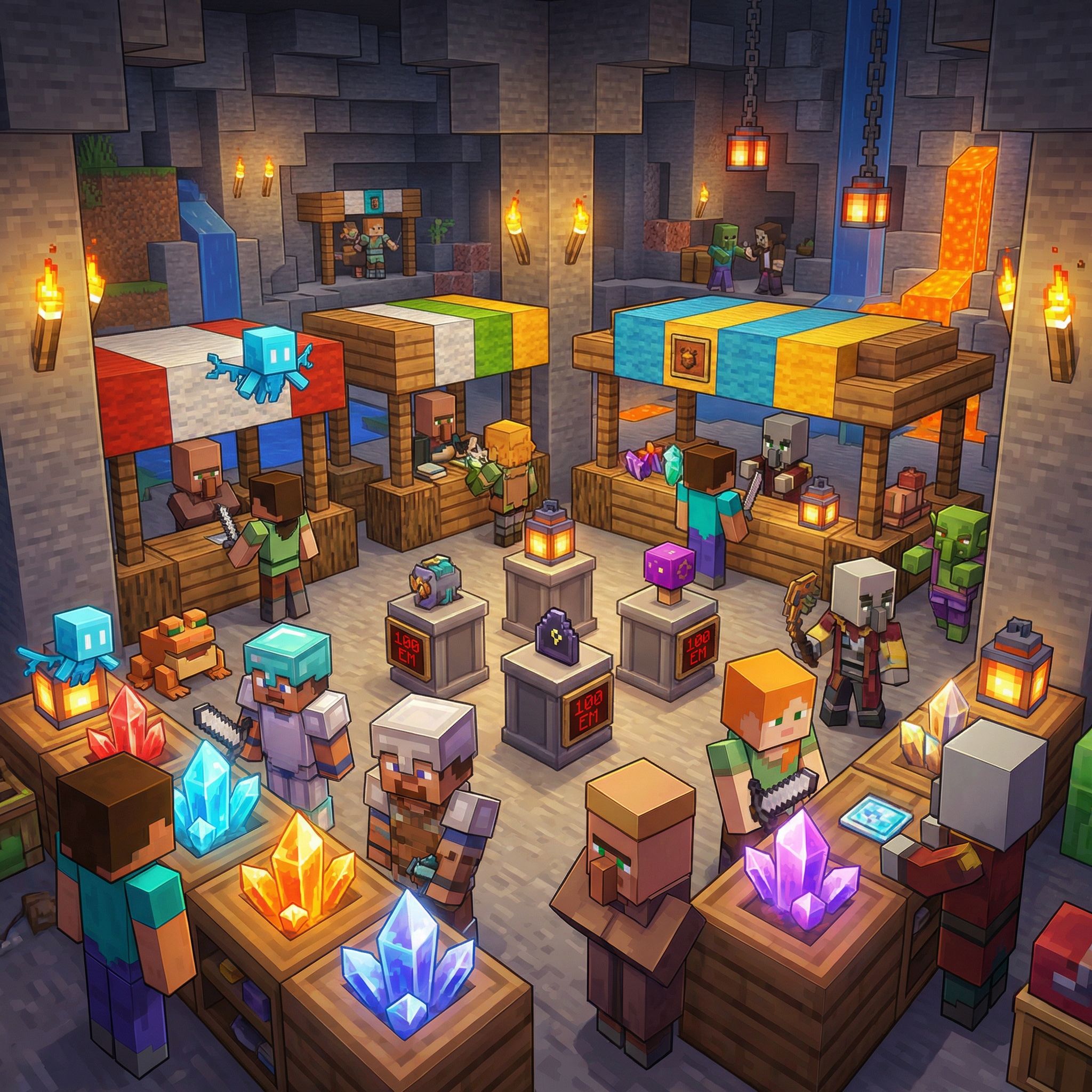
Minestria has two currencies, a sell shop, a player marketplace, and a premium shard shop. This guide explains how money works, where to earn it, and how to spend it.
THE TWO CURRENCIES
Gold is the main currency. You earn it by selling items, killing mobs, and trading with other players. Every new player starts with 1,000 gold. Gold is seasonal — it resets to zero at the start of each new season.
Shards are the premium currency. They're much scarcer than gold and are permanent — they never get wiped between seasons. Shards are used for premium items like Rift Keys, scrolls, gems, and clan creation. You earn shards from your dungeon's passive generation, rifts, daily quests, daily login rewards, and expeditions.
There is no direct exchange between gold and shards. They serve different purposes. Gold is for everyday progression (dungeon expansions, trading gear). Shards are for premium and endgame purchases.
EARNING GOLD
Selling items at /shop is the primary way to earn gold. Prices are fixed — there's no supply and demand system, so items always sell for the same amount.
Other gold sources include mob drops, trading items to other players on the Auction House, and quest rewards.
Your dungeon level also gives you a permanent sell boost. The higher your dungeon level, the more gold you earn from selling items. At level 20, you earn 25% more gold from every sale.
EARNING SHARDS
Shards come from multiple sources:
Dungeon passive generation — Your dungeon generates shards while you're online. The rate scales with your heart count. More hearts means more shards per hour. Collect them from the Dungeon Management GUI (/dg upgrade).
Daily login rewards — Free players earn 110 shards per week from the 7-day cycle. APEX players earn 300 shards per day.
Daily quests — Completing the daily quest rewards 80 to 250 shards depending on the day.
Rifts — Winning a rift gives shards based on the key tier and dimension. Common Normal gives around 8 to 25 shards. Legendary End can give 220 or more.
Expeditions — Shard-type expeditions can earn 20 to 250 shards per run, with a chance at a larger jackpot.
You can also receive physical shard items as drops. Right-click a shard item to deposit it into your shard balance.
THE SELL SHOP
Type /shop or /sell to open the Sell GUI. This is a sell-only shop — you cannot buy items from the server. The only way to buy items is from other players on the Auction House.
How it works:
1. Open /shop or /sell
2. Place the items you want to sell into the deposit area (the top rows of the GUI)
3. The preview slot in the bottom row shows how much gold you'll earn
4. Click the green Confirm button to sell everything and receive your gold
5. Items that can't be sold are returned to your inventory
The shop has categories for mob drops, blocks, farm items, End items, Nether items, and gear. Prices are flat and fixed — they never change.
You can also access the shop through your Echo's Hub Menu by clicking Shop.
THE HIDDEN MARKET
The Hidden Market is a protected world where players buy and sell with each other. To get there, type /ah or /shards. There's a short 3-second teleport warmup, and it won't work during combat.
The market is a safe zone — no PvP, no mobs, no block breaking. You'll find two NPCs there:
The Auctioneer opens the Auction House (player-to-player trading)
The Shard Merchant opens the Shard Shop (premium items for shards)
You can also reach the market from your Echo's Hub Menu by clicking Hidden Market.
THE AUCTION HOUSE
The Auction House is where players sell items to each other. Right-click the Auctioneer NPC in the market world to open it.
Browsing and Buying
The main screen shows all active player listings. You can filter by category (weapons, armor, tools, blocks, consumables, misc), currency (gold or shards), and search by name. Click any listing to see details, then Buy Now to purchase. Bought items go to your Collection Bin — pick them up from there.
Listing Items for Sale
Click the Sell button, then click the item in your inventory you want to list. Type your asking price in chat, then choose whether to list it in gold or shards. Your item is removed from your inventory and posted for 24 hours.
There's a flat listing fee of 10 (in whichever currency you list with) and a 1% sales tax taken from the sale price when an item sells. Normal players can have up to 5 active listings. APEX players get 10.
Buy Orders
You can also post buy orders — requests for a specific item at a price you set. Gold is deducted upfront when you create the order. Other players can browse open buy orders and fill them by selling matching items. Partial fills are supported, so multiple sellers can contribute to your order. Buy orders last 7 days. If cancelled or expired, the unfilled gold is refunded.
Normal players can have 5 active buy orders. APEX players get 10.
My Listings
View your active listings and cancel any that haven't sold yet. Cancelled items go to your Collection Bin.
Collection Bin
This is where purchased items, expired listings, and cancelled items end up. Open it from the Auction House menu and click to pick up your items.
APEX Market Announcements
When APEX players list an item, a server-wide announcement is broadcast so everyone online sees it. Non-APEX listings are not announced.
THE SHARD SHOP
Right-click the Shard Merchant NPC in the market world to open the Shard Shop. Everything here costs shards.
Gems
A daily rotating gem is available for 3,000 shards. It changes every 24 hours, cycling through 10 different upgradeable gem types. A countdown in the item description shows when the next gem rotates in. This is the most reliable source of upgradeable gems in the game.
Rift Keys
Keys are sorted by dimension (Normal, Nether, End) and tier (Common through Legendary). Prices scale with power:
Normal dimension — Common 150, Uncommon 350, Rare 700, Epic 1,400, Legendary 3,000
Nether dimension — Common 200, Uncommon 450, Rare 900, Epic 1,800, Legendary 3,500
End dimension — Common 300, Uncommon 600, Rare 1,200, Epic 2,400, Legendary 5,000
Scrolls
Expedition Scroll (500 shards) — Resets your expedition cooldown so you can go again immediately
Return Scroll (300 shards) — Instantly returns your golem during an expedition instead of waiting
Revival Scroll (800 shards) — Revives a defeated expedition golem and keeps all the loot
WHERE TO SPEND GOLD
Dungeon expansions — The main gold sink. Costs range from 1,000 for your first expansion up to 40,000,000 for the final one.
Auction House — Buy gear, materials, and items from other players.
Listing fees — 10 gold per Auction House listing.
WHERE TO SPEND SHARDS
Shard Shop — Gems, Rift Keys, scrolls (150 to 5,000 shards)
Clan creation — 500 shards
Expedition reroll — 150 shards to refresh your available expedition choices
Return Now — 200 shards to skip expedition return travel time
Revival — 600 shards to revive a defeated expedition golem with loot
TIPS
Use /shop regularly to sell junk and mob drops. Gold adds up fast from selling everything.
Check the Auction House before selling rare items at /shop. Other players might pay significantly more than the fixed shop price.
Prioritize dungeon expansions early. Higher dungeon levels increase your sell boost, which means more gold from every future sale.
Save shards for things that matter — gems, high-tier rift keys, and expedition scrolls. Don't spend shards on Common Rift Keys unless you need them right now, since they drop from mobs and daily rewards.
The daily rotating gem in the Shard Shop is the best long-term shard investment. Upgradeable gems are the backbone of endgame progression.
USEFUL COMMANDS
/shop or /sell — Open the sell GUI (sell items to the server for gold)
/ah or /shards — Teleport to the Hidden Market
/sdeposit (amount) — Convert shard items in your inventory into shard balance
/swithdraw (amount) — Convert shard balance into shard items
/shardtop — View the shard leaderboard