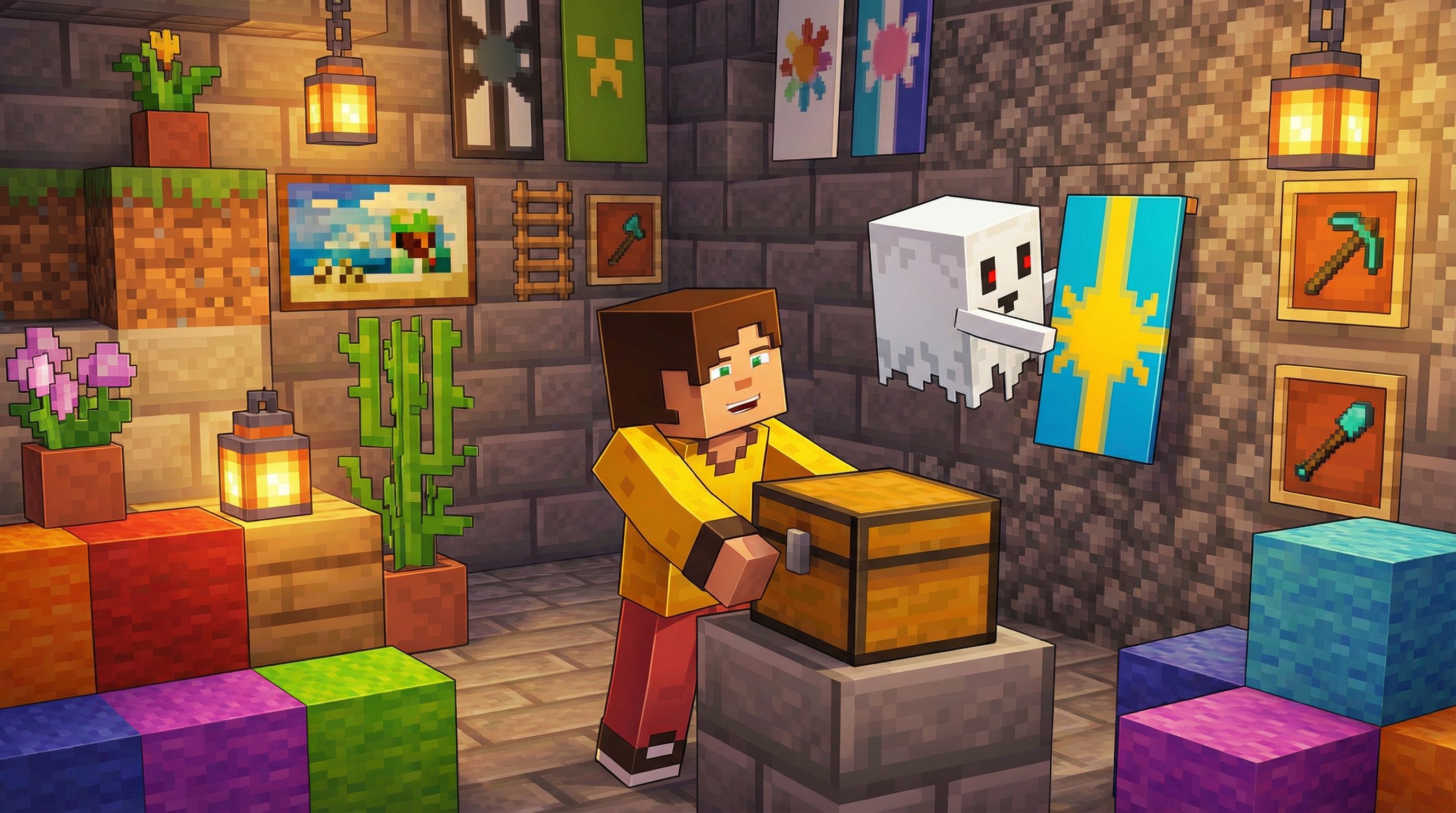
Dungeons
Every player on Starvel gets their own personal underground dungeon. It's your home base, your storage, your progression hub, and where your Dungeon Master golem lives. Dungeons are created automatically the first time you join the server.
Getting Started
When you first join, your dungeon is built for you. You'll receive a starter kit with chainmail armor, stone tools, food, a Rift Key, a Trial Key, and 1,000 gold to get you going.
To enter your dungeon at any time, type /home. You'll spawn in your base room, which has a Nether Portal on the north wall that leads back to the surface.
How Dungeons Work
Your dungeon starts as a single room. You expand it by purchasing new rooms with gold. Each expansion adds a 16x16 room in one direction (North, East, South, West), following a fixed clockwise order.
Your dungeon level equals 1 plus the number of expansions you've purchased. The maximum level is 20, with 19 total expansions.
The first expansion costs just 1,000 gold (reduced for new players). Costs increase with each expansion, ramping up from 8,000 gold all the way to 40,000,000 gold for the final one. The total cost across all 19 expansions is roughly 138 million gold.
To manage your dungeon, open the Dungeon Management GUI with /dg upgrade or through your Echo's hub menu (right-click your Echo, then click Dungeon).
Themed Rooms
The first expansion in each direction gives you a unique themed room:
North — Expeditions Outpost: A camp area with supplies, maps, and tethered horses. This is where expeditions feel at home.
East — Farm Room: Farmland, crops, water channels, composters, and hay bales. Your personal food factory.
South — Shardforge: A dark deepslate workshop with blast furnaces, anvils, lava crucibles, and amethyst shard cores.
West — Enchanting Sanctum: A deepslate chamber with a max-power enchanting table (15 bookshelves), brewing stands, and lecterns.
Every expansion after the first in each direction creates a generic stone brick room with pillars, chains, and iron-bar doors.
Your Dungeon Master (Golem)
Your Dungeon Master is an Iron Golem that represents your dungeon's power. Its strength is based on your hearts.
Hearts: You start with 3 hearts. Maximum is 20. Your golem's stats scale directly with your heart count:
3 hearts — 155 HP, 11 damage
10 hearts — 365 HP, 25 damage
20 hearts — 665 HP, 45 damage
Hearts go up by winning raids (you steal 1 heart from the defender) and go down from losing raids or being offline.
Offline decay: You lose 1 heart every 3 hours you're offline. Decay never drops you below 3 hearts. However, raids can drop you to 0 hearts.
At 0 hearts: Your shard generation is disabled for 24 hours, then your golem auto-revives to 1 heart. Players with 0 hearts cannot be raided until they recover to 3 hearts.
Prestige bonus: Each prestige point you earn gives +0.25% to your golem's stats.
Sell Boost
Higher dungeon levels give you a permanent boost to how much gold you earn from selling items at /shop. The boost increases with each expansion:
Level 1 — no boost
Level 5 — +5%
Level 10 — +14%
Level 15 — +21%
Level 20 — +25% (maximum)
Shard Generation
Your dungeon passively generates shards while you're online. The rate depends on your heart count — more hearts means more shards per hour.
Shards only accumulate while you're logged in. They cap at 24 hours of playtime worth of accumulation.
At 0 hearts, shard generation is completely disabled until your golem revives.
To collect your accumulated shards, open /dg upgrade and right-click the upgrade item in the GUI. Prestige also boosts your shard generation rate (+0.25% per prestige point).
Dungeon Helpers
Copper golems and allays spawn in your dungeon rooms to help with item sorting. They're real mobs that wander around your rooms.
Dungeon level 1 to 9: up to 1 copper golem and 1 allay
Dungeon level 10+: up to 2 of each
If a helper is killed, it respawns after 1 to 3 minutes. They don't drop anything on death. Use /dg helpers to check how many you have.
You'll also see decorative ghosts and brooms floating around your rooms for atmosphere.
Spawners in Dungeons
You can place vanilla mob spawners inside your expansion rooms. For spawners to work:
A player must be within 16 blocks
Light level must be below 7 (build a dark room around the spawner)
Maximum 6 of the same mob type in a 9x9x9 area around the spawner
The chunk must be loaded (you need to be nearby)
Tip: Combine spawners with Luck gems for up to 10x drop rates.
Protection
Your dungeon rooms are protected:
Floor, ceiling, and outer walls cannot be broken
Internal walls between rooms you own can be broken and customized freely
Explosions cannot destroy the floor or ceiling
Visitors (clanmates visiting) can only use doors — they cannot open chests, break blocks, or interact with anything else
Raids
Raids let you fight another player's Dungeon Master in a dedicated boss arena. They're free to start — no key required.
How to raid:
1. Open the raid menu with /raid or through your Echo
2. Select a target from the list (shows their dungeon level and golem stats)
3. Both players are teleported to the boss arena
4. Fight the defender's golem. The defender can also fight you directly.
5. Kill the golem to win — you steal 1 heart from the defender
6. If the defender kills you, they win and no hearts change
7. Both players return to where they were before the raid
The only reward from raids is hearts. Win a raid and you gain 1 heart while the defender loses 1. There are no loot chests.
Cooldowns: 5-minute global cooldown between raids (APEX: 2 minutes), plus a 5-minute cooldown per specific target. Both players must have dungeon level 5 or higher. You cannot raid clanmates.
Use /raid logs to see your raid history.
Economy Overview
There are two currencies on Starvel:
Gold — The main currency. Earned by selling items, killing mobs, and trading. Wiped each season. Starting balance: 1,000. Used for dungeon expansions, trading, and most purchases.
Shards — The premium currency. Permanent across seasons. Much scarcer than gold. Earned from dungeon shard generation, rifts, trials, daily rewards, and quests. Used for premium items like Rift Keys, scrolls, gems, and clan creation.
To sell items for gold, use /shop or /sell. This opens a sell GUI where you deposit items, preview your earnings, and confirm the sale. Prices are fixed. There is no way to buy items from the server — to buy items, use the Auction House.
The Hidden Market is a safe zone you can teleport to with /ah or /shards. There you'll find two NPCs:
Auctioneer — player-to-player marketplace (buy and sell items with other players)
Shard Merchant — spend shards on premium items (gems, keys, scrolls)
Useful Commands
/home — teleport to your dungeon
/dg upgrade — open the Dungeon Management GUI
/dg tp — teleport to your dungeon spawn
/upgrades — view Dungeon Master scaling per expansion
/expansions — view expansion costs
/shop or /sell — open the sell GUI
/ah or /shards — teleport to the Hidden Market
/raid — open the raid target menu
/raid leave — leave an active raid
/raid logs — view your raid history
Good to Know
Dungeons reset each season, but your shards, prestige, clans, and progression gear carry over
Your Echo companion (floating allay) is the central hub for everything — right-click it to access dungeons, raids, quests, expeditions, and more
If you die in a resource world, you keep your hotbar, armor, and offhand — only your main inventory drops
Deaths inside your dungeon are safe — full keep inventory
Expanding your dungeon is the core progression loop — bigger dungeon means stronger golem, more shards, and higher sell boost